

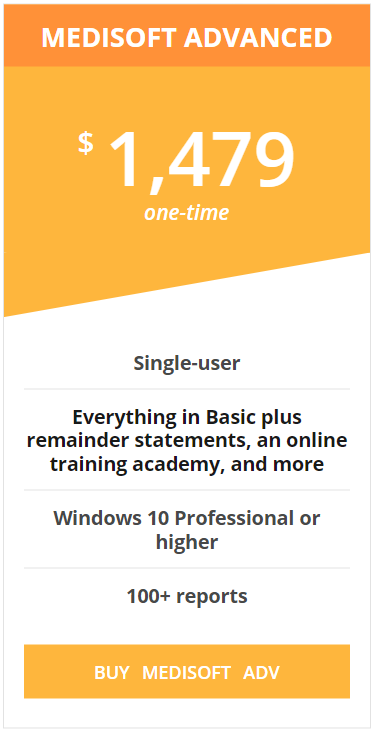
MEDISOFT Advanced — On-premises software
$1,749.00
Full-featured on-premises MEDISOFT for a single user who needs more billing and reporting tools.
A single-user application that cannot be networked. Compare its billing, reporting, and workflow tools with Basic before choosing.
MEDISOFT Advanced: More tools for a single-user workflow.
Full-featured on-premises MEDISOFT for a single user who needs more billing and reporting tools. Keep your software on premises while getting guidance from a team that knows MEDISOFT.
▤ The right edition
Choose features around your billing workflow, rather than paying for a setup that does not fit.
✓ Clear licensing
A single-user application that cannot be networked. Compare its billing, reporting, and workflow tools with Basic before choosing.
↗ Help with your next step
Ask Microwize about installation, data transfers, training, and technical support options.
Explore the Advanced feature list
- Claim charge entry; CMS-1500 primary, secondary, and tertiary paper claims; paper UB-04 forms
- Patient statements, balance reminders, collection letters, and superbills
- Appointments, ICD-10 and CPT code entry, and up to 12 diagnoses per claim
- Built-in backup, online training academy, and word processor
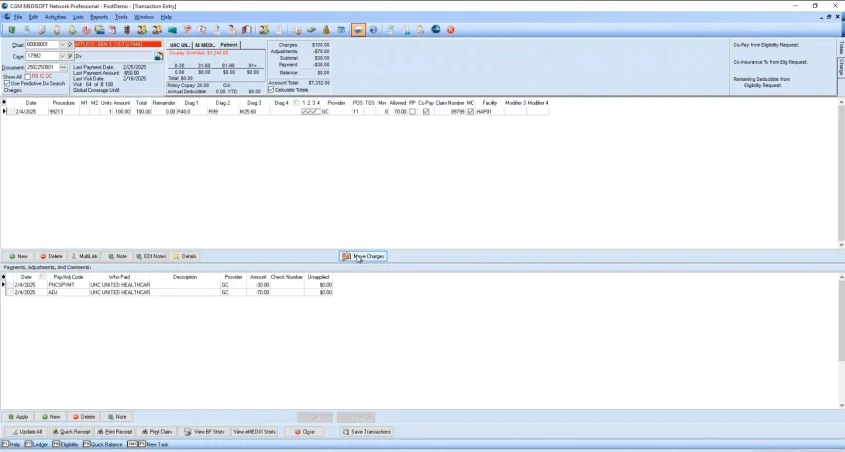
- Payment status, insurance and aging reports; financial and patient encounter KPI dashboards; AR tracker
- Billing for multiple practices and providers, multiple fee schedules, and batch EOB posting
- Customizable entry columns, default fields, sortable grids, color-coded transactions, quick ledger, and patient flags
- Global days tracking for surgical billing and login permissions
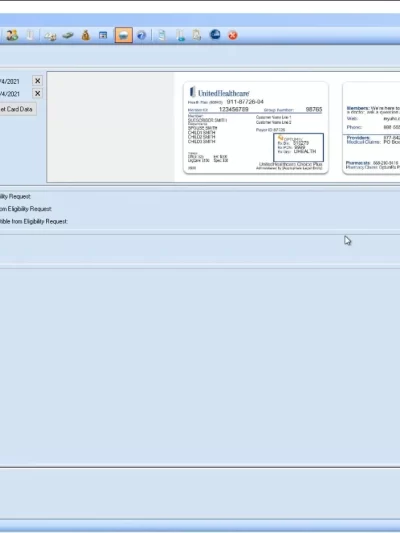
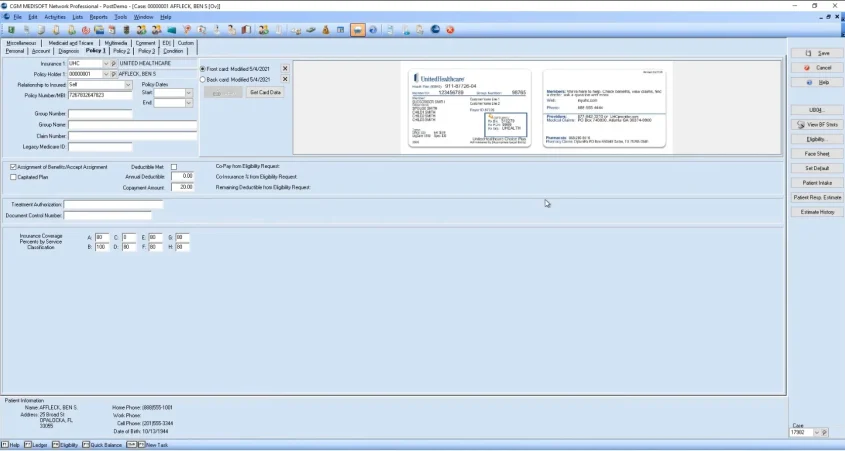
- Optional add-ons: electronic claims, electronic statements, credit card processing, eligibility checks, appointment reminders, e-prescribing, insurance card scanning, and telehealth
Features depend on the purchased version and configuration. Optional add-ons require separate services or fees.
Know what you need before you buy.
We will review your current software, computers, user count, and billing needs. Installation, data transfers, support, and connected services are scoped separately so you can understand your recommended setup.
Questions about on-premises MEDISOFT?
Can this edition support multiple users?
A single-user application that cannot be networked. Compare its billing, reporting, and workflow tools with Basic before choosing.
Can I send claims electronically?
Electronic claims require a compatible clearinghouse account. Ask about eMEDIX, enrollment, and any additional service fees.
Will Microwize help me install or upgrade?
Yes. Ask our consultants to scope installation, data transfer, training, and ongoing technical support for your setup.
How does this compare with MEDISOFT Cloud?
On-premises software runs on your local setup. MEDISOFT Cloud provides hosted access with software upgrades, backups, and support included in its plan. We can help compare the options.
Microwize has supported medical practices and billing companies since 1997.
Related Products


MEDISOFT Cloud — 4–5 users
MEDISOFT Cloud — 4–5 users
$109.00
Keep front-desk and billing work moving with simultaneous cloud access for four or five team members.
✓ Automatic backups and software upgrades
✓ Unlimited technical support
MEDISOFT Cloud — 4–5 users
$109.00 
MEDISOFT Cloud — 6–10 users
MEDISOFT Cloud — 6–10 users
$89.00
Give your growing billing and front-office team shared access without maintaining an office server.
✓ Automatic backups and software upgrades
✓ Unlimited technical support
MEDISOFT Cloud — 6–10 users
$89.00 MEDISOFT Cloud — 21–24 users
MEDISOFT Cloud — 21–24 users
$65.00
Support a larger billing or practice team with shared access across departments and locations.
✓ Automatic backups and software upgrades
✓ Unlimited technical support
MEDISOFT Cloud — 21–24 users
$65.00
Electronic Claims — Clearinghouse service
Electronic Claims — Clearinghouse service
$109.00
Connect your billing workflow with electronic claims, eligibility verification, and electronic remittance advice (ERA).
Claims, eligibility, ERA, and a financial dashboard